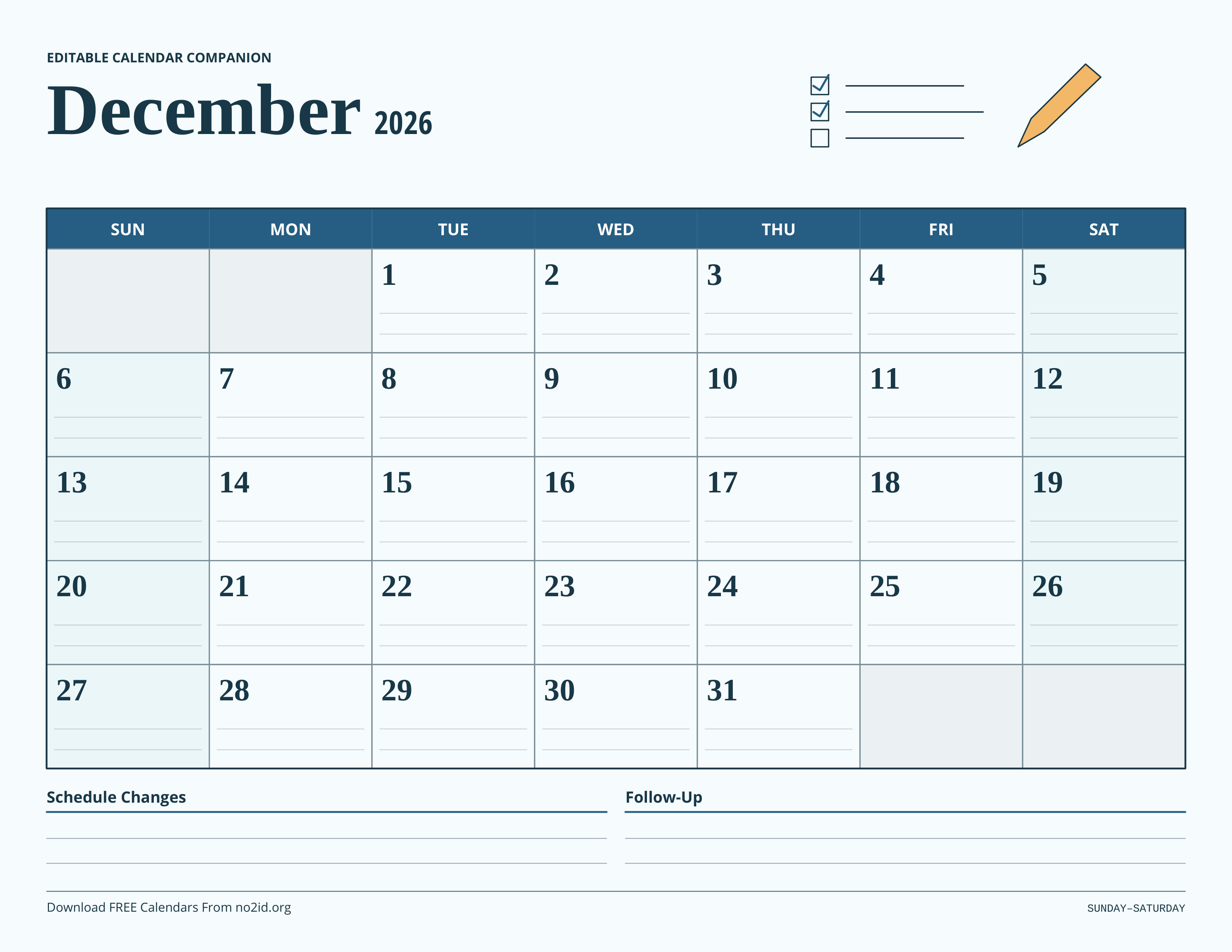
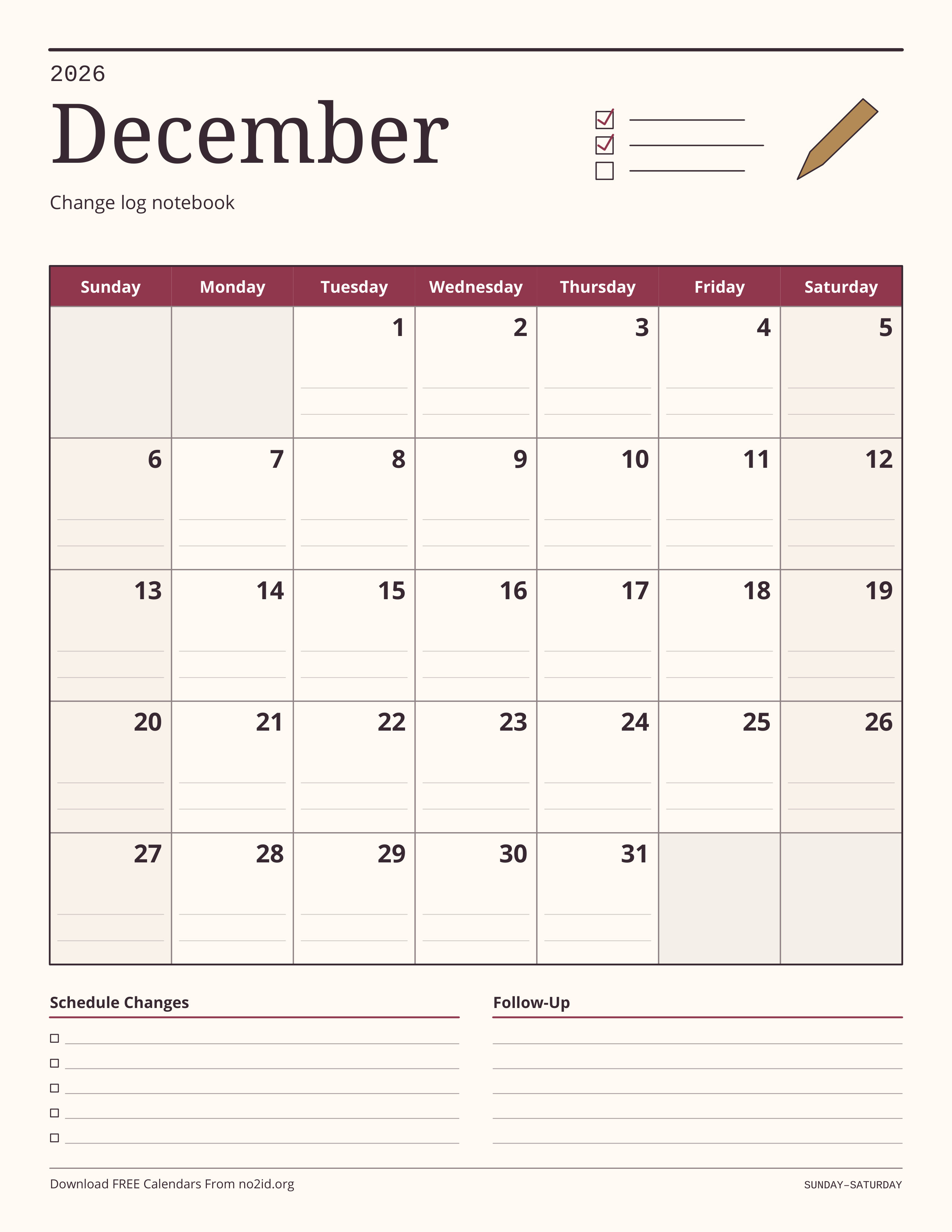
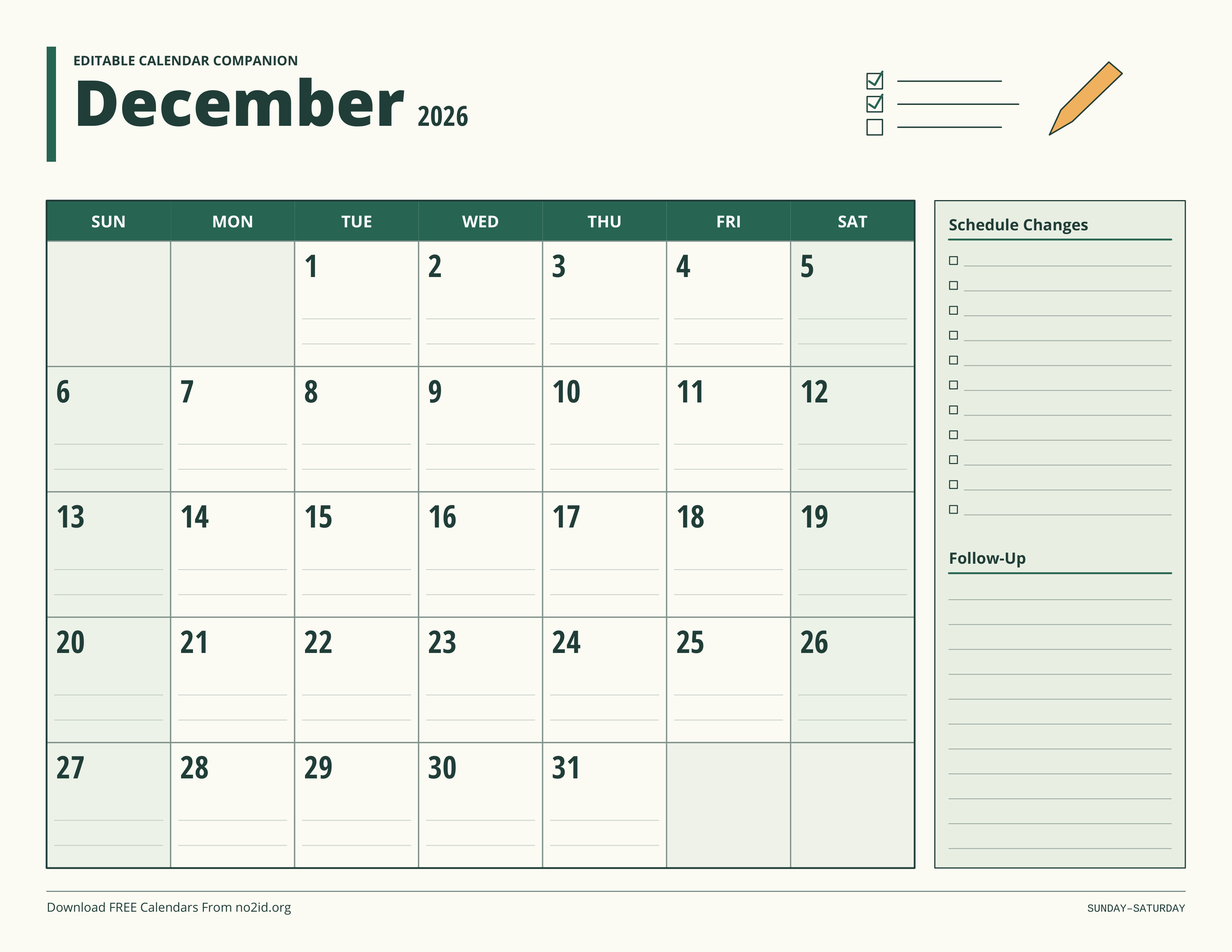
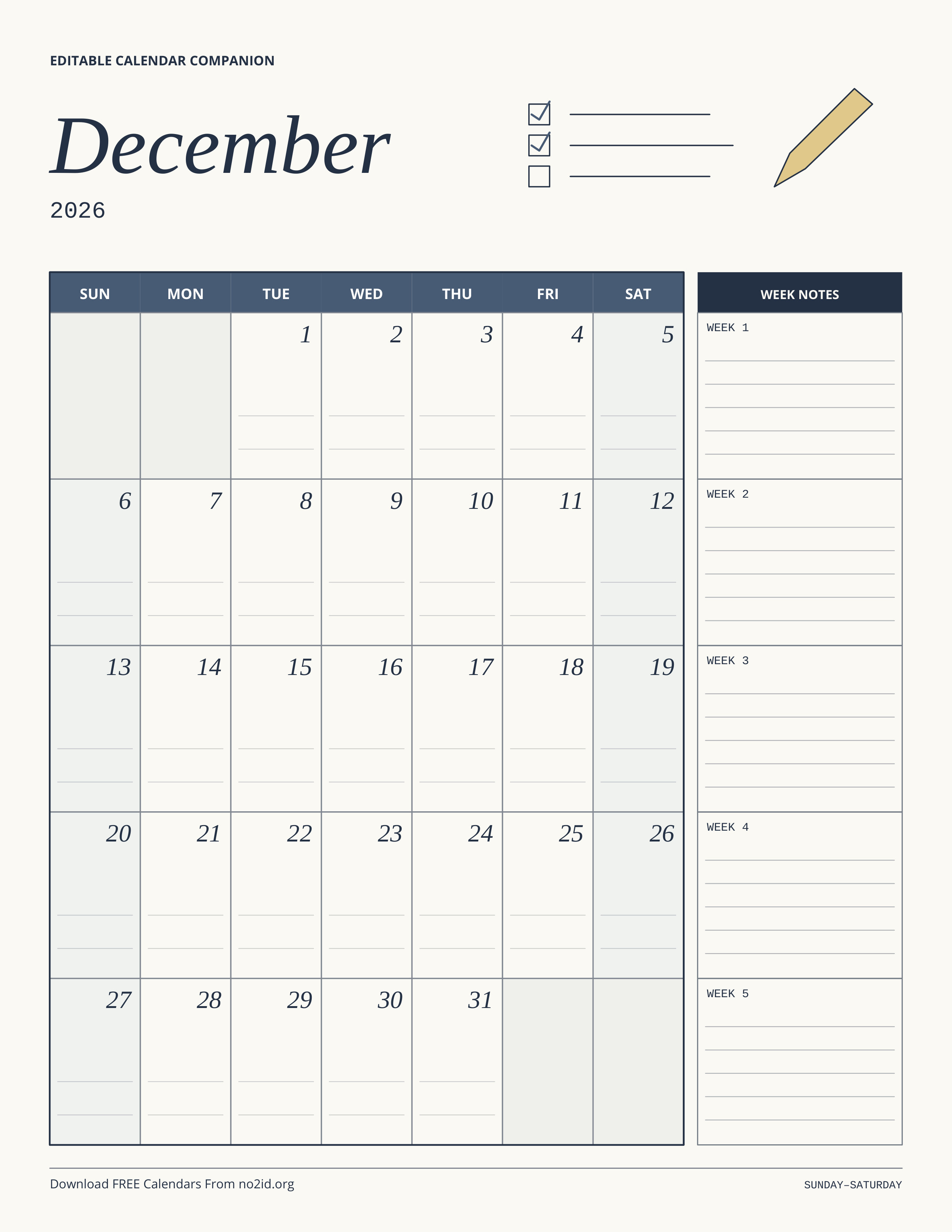
Editable December 2026 Calendar files let you change the entries on screen before anyone sees the finished sheet. Download the Word document if you like typing directly inside a table. Choose the Excel workbook if you find it easier to move between cells and keep a working copy on your computer. The December grid is already dated, beginning Tuesday, December 1, and ending Thursday, December 31. You can add names, shifts, meeting times, or family plans without drawing a calendar by hand.
Choose an Editable December 2026 Calendar Format
Think about the next person who will receive the file. If a club secretary wants to enter the activity name, host, and address in the same date box, the Word table accommodates small pieces of text naturally. If a coordinator needs to update several entries a week with a keyboard, a workbook makes it easy to select a particular cell. The JPG downloads are convenient for posting a finished-looking date reference or printing a quick copy.
Download Editable December 2026 Calendar – editable Word table (DOCX)
Download Editable December 2026 Calendar – editable Excel workbook (XLSX)
| Format | Best Use | First Check |
|---|---|---|
| Word document | Type and format short event descriptions | Check that the calendar stays on the intended printed page |
| Excel workbook | Maintain a schedule one entry at a time | Identify date cells and writing areas before editing |
| JPG image | Print a reference or mark it up by hand | Open the original at full size |
Edit a Calendar in Word
Save a personal copy of the document before typing. Click inside the box for the event and place the cursor beside or below the date, wherever there is room. Keep the date number visible. A practical entry might read “6 pm, choir, Hall B.” Those three pieces of information take up less space than a complete sentence and give the reader everything needed to arrive at the right place.
- Choose one day in the middle of the month and type your longest likely entry as a test.
- Look at the full page in print preview. If a row grows too tall, shorten the entry or reduce spacing within that paragraph.
- Enter the remaining plans, keeping event names and times in the same order throughout the month.
- Save the working file under a name that tells you which group and month it serves.
Typing a long address can stretch a row and leave other dates with less room. Give a recurring location a clear short name in the grid and send the address in the meeting invitation. If two events fall on Wednesday, December 16, put their start times on separate lines within the same box. Read the sheet at its printed size before sending it to the whole group.
Keep Excel Dates Usable
In the workbook, preserve the actual date values and type your notes in the spaces provided for entries. A date cell may show only the number of the day even though the workbook stores the full date. Click a date to inspect its value before changing its display format. Replacing the date with a sentence combines two different jobs and can make the sheet harder to revise.
A calendar laid out by weekdays has a spatial order. Sorting one column by name or time can separate an entry from the date it belongs to. For a monthly schedule, leave the date grid in place. If you also need an alphabetical volunteer directory, create a separate sheet for it and keep names and contact details there. A volunteer can look up an assignment without exposing everyone’s information on a printed notice.
Set Up a Simple Revision Routine
- Give one person responsibility for the master copy when several people submit changes.
- Include a revision date in the filename or a visible note to help readers recognize the current version.
- Keep proposed times marked as tentative until the organizer confirms them.
- Save a distribution copy after checking the spelling of names, dates, and locations.
Suppose a rehearsal scheduled for Thursday, December 17, moves to Friday, December 18. Delete the working entry from Thursday, add it to Friday, and check that the room and start time still apply. If a printout has already been posted, replace that copy or mark the correction there too. Editing the Word or Excel file on one computer leaves an earlier paper copy exactly as it was.
For a schedule with several names, read the print from the perspective of one person at a time. Follow Alex through the month and check for two assignments during the same time slot. Repeat for the next person. Then read down the sheet by date to find shifts that have no assigned person at all. These passes answer different questions, and neither requires moving any of the entries to a new position.
Proofread Your Editable December 2026 Calendar Before Printing
Open print preview after your edits and look at the edges of the page. The last weekday column, the last row of December dates, and any notes you added should fit inside the printable area. In Excel, review the selected print area and the number of pages shown. In Word, check for an unexpected second page with a single row or a few words that have wrapped out of view.
Store the unfilled Free Editable December 2026 Calendar Templates download alongside your working copy. It gives you a clean starting point for a second group that needs the same month with completely different events. Before distributing a file you have reused, read every populated box once. This last pass catches an old meeting location or a volunteer’s name that no longer belongs on the new group’s calendar.
The free printable December 2026 calendar works for a quick paper copy. A handwritten version also works with the blank December calendar, while the monthly schedule planner helps organize a changing schedule.