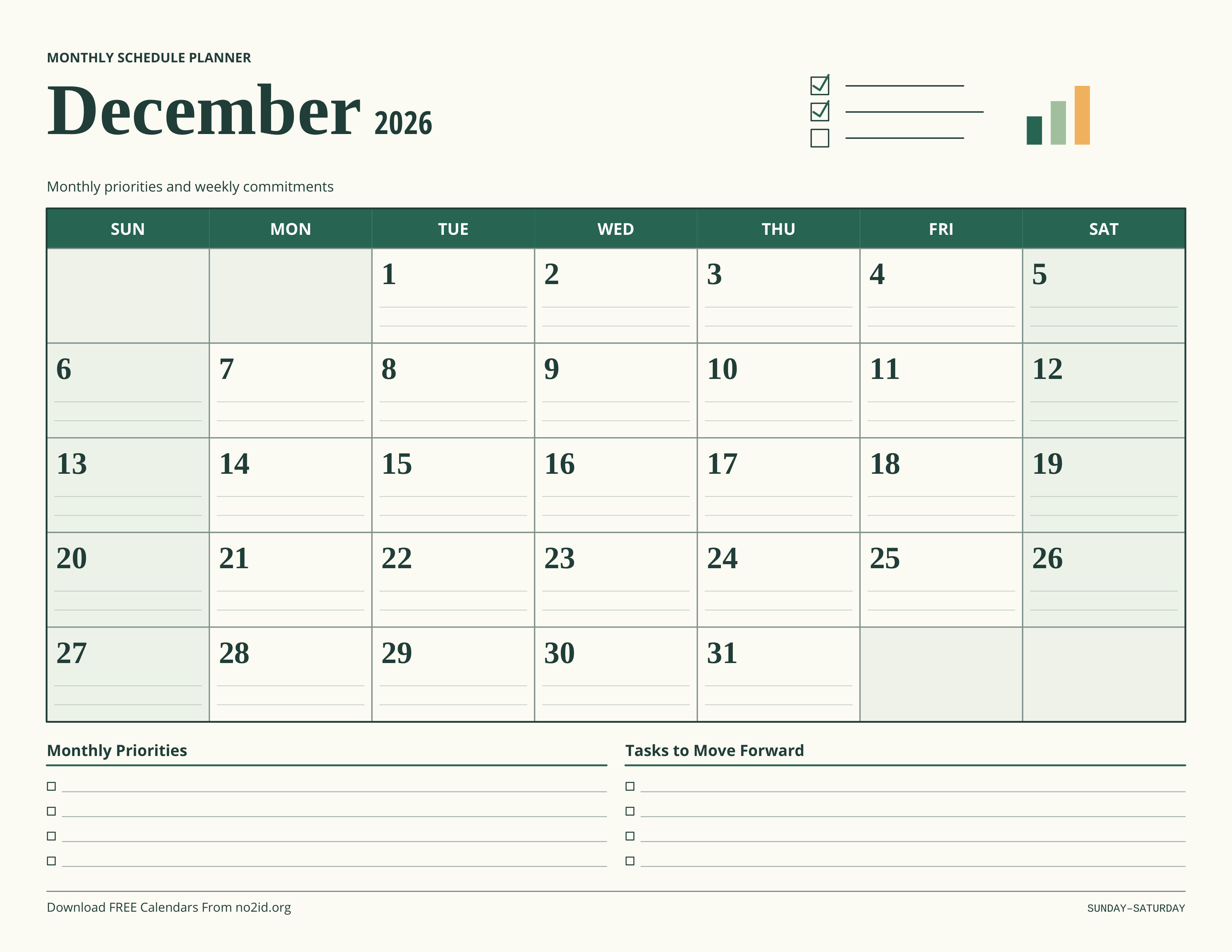
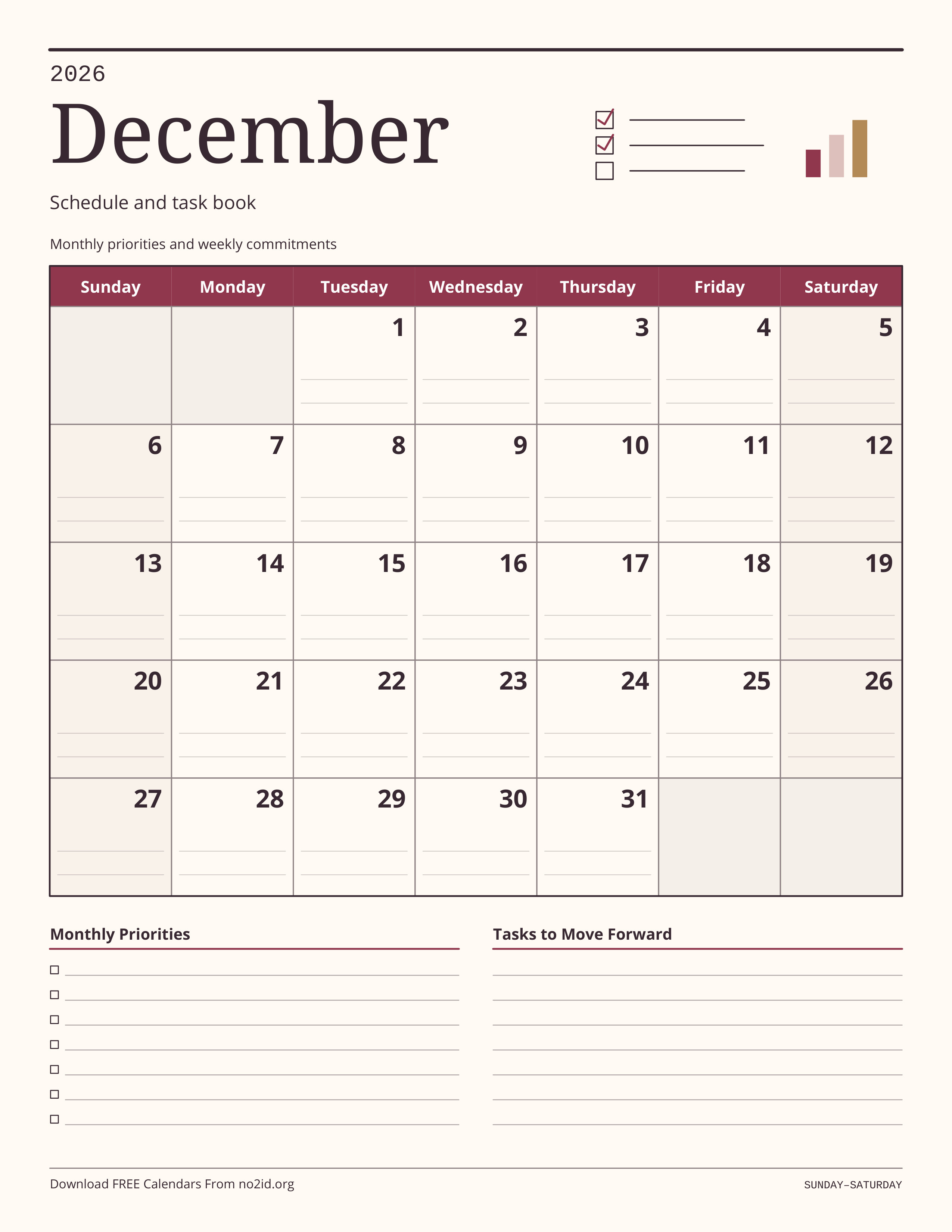
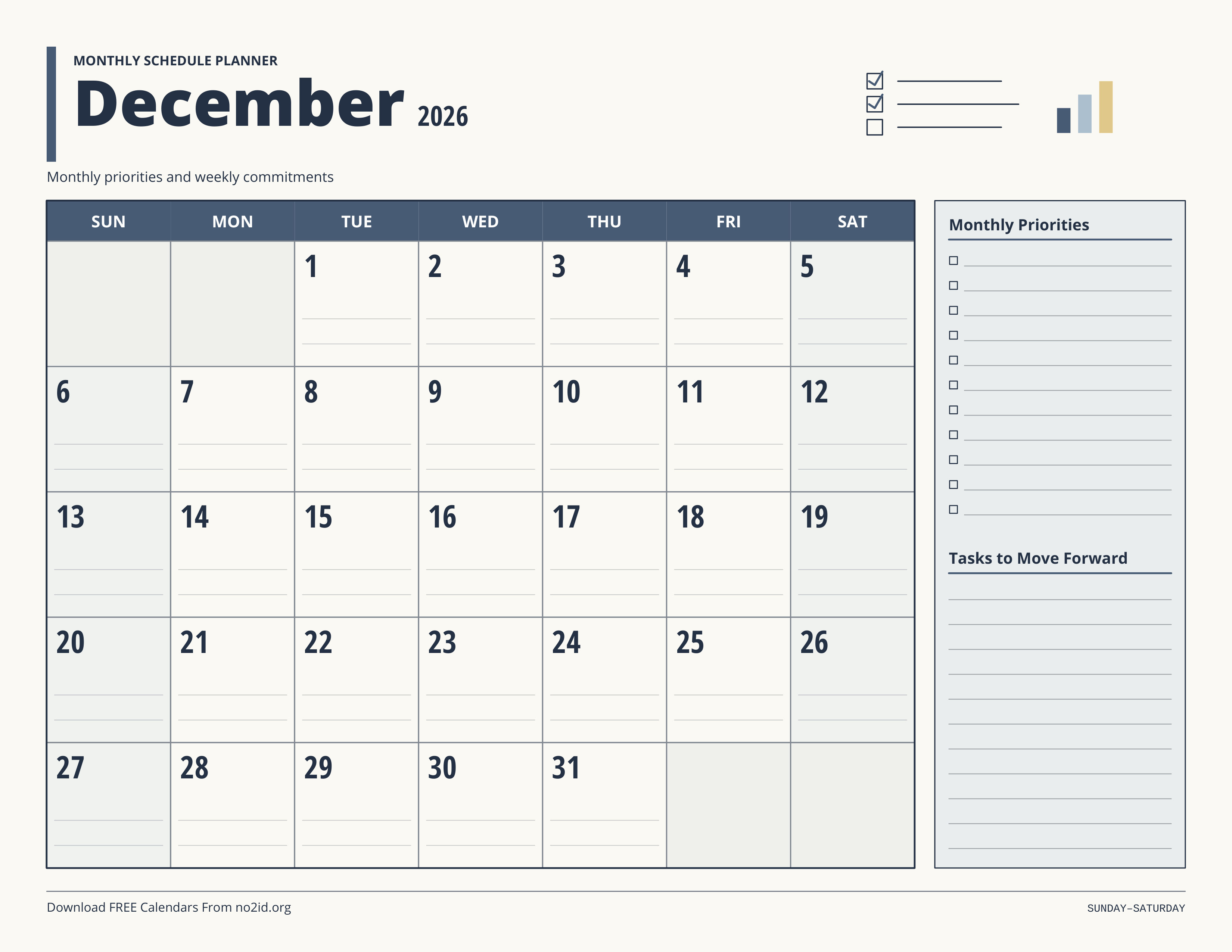
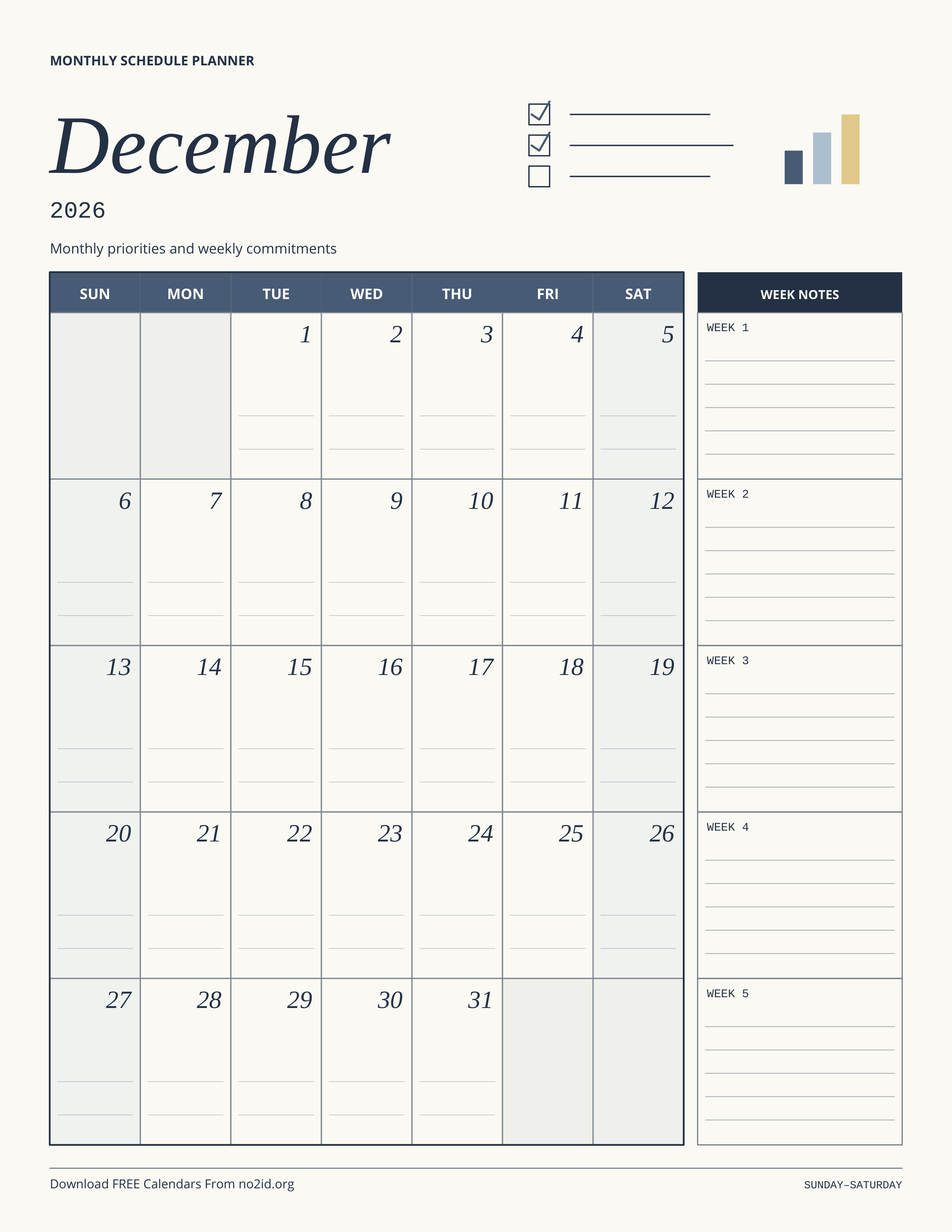
December 2026 Planner pages work best when a date on the grid means you have actually reserved time or promised something to another person. December has five Tuesdays, Wednesdays, and Thursdays, yet those extra weekday occurrences do not automatically create extra working time. A school concert, a closing shift, or a visiting relative can change the usable hours in a day. Gather the commitments you already know, then give the remaining space a job.
December 2026 Planner: Monthly Schedule Templates
Sort Commitments Before Filling in Your December 2026 Planner
Lay out the information you normally consult when someone asks whether you are available. That might include a work rota, a school email, tickets, and a list of errands. Separate dates set by someone else from dates you can move. A ticket for Thursday the 17th belongs on the grid as soon as the date is confirmed. Wrapping a present before that visit needs time, but it can wait beside the grid until you identify a realistic opening.
Give every fixed item a verb or recognizable name. “Pick up Sam” says more than “Sam,” especially if another household member will be reading the page. Add enough time information to show when the commitment affects the day. If a rehearsal starts at six but the drive begins at five, write down the departure you need to act on. The invitation can hold the full address and other details.
Work Backward From a Real Deadline
Suppose a neighborhood group wants a small exhibit ready on Friday, December 18. Someone needs to hang the work, someone needs to approve the captions, and someone else needs to get the prints to the room. Count backward from the opening rather than placing all three tasks in the nearest free-looking square. Ask each person how much time they need and whether the room will actually be open on the dates you are considering.
| Sample date | Planned action | Handoff that follows |
|---|---|---|
| Mon, Dec 7 | Collect final images | Designer can prepare captions |
| Thu, Dec 10 | Review captions together | Coordinator sends corrections |
| Tue, Dec 15 | Bring prints to the room | Installer counts and arranges pieces |
| Thu, Dec 17 | Hang and check labels | Host prepares to open Friday |
The times in a worked example belong to the example. For your own project, leave a gap where failure would disrupt the next person’s task. A print job delivered late on the afternoon before an opening leaves no time to replace a missing page. Moving the delivery forward by two days creates an opportunity to fix the problem. That gap is doing real work even though its square looks empty.
Set Up Your December 2026 Planner for Weekly Handoffs
- Enter confirmed commitments and write the initials of the person responsible when a task involves a handoff.
- Choose a place for flexible work. Give each item a clear finish, such as “approve three captions,” so you can recognize when it is done.
- Assign a day for the next action on each time-sensitive project. Reserve more detailed hour-by-hour planning for a daily list.
- At the end of the week, review what changed and move only work that still matters. Ask the next person in the chain whether a new date works.
Sometimes a move belongs on two calendars. If one adult agrees to pick up a child while another handles a delivery, the household planner should identify both assignments. An entry reading simply “pickup” leaves room for two people to assume the other will go. A short set of initials beside each item turns an overlapping plan into two observable commitments, and either person can correct a mistake before the day arrives.
Leave Flexible Work Visible
- Put a check beside a task only after the next person has what they need. Drafting a message and sending it may be different steps.
- Use a question mark for a tentative appointment and add the name of the person who can confirm it.
- Write a small arrow beside a moved item and include the new date so you can follow the trail later.
- Give errands with similar locations a shared note, then check opening times before combining them into a single trip.
Close Out December Without Losing January Work
The last week on your December 2026 planner crosses a year boundary. Monday the 28th through Thursday the 31st belong on the December planner, and the following Friday is January 1. If a recurring task normally lands on Friday, check with the person responsible before moving it. A building, supplier, or colleague may keep a different schedule around the new year. Enter the date you have agreed on, including the new year when a note might be read later.
Before you file your December 2026 planner, look for three things. Find any promises that still have no owner, any unfinished work somebody is expecting, and any notes that only make sense in the context of this month. Transfer those items with their actual dates. A note saying “call next Monday” needs a calendar date before you copy it. The rest of the finished page can serve as a record of what fit into December and which assumptions were worth changing for January.
For a final reality check, compare one busy week on paper with the week people actually experienced. Did a short appointment take most of an afternoon once you counted travel? Did an errand fit neatly after a regular pickup? Write down one adjustment you want to remember. A note such as “leave an hour between those two locations” is much more actionable next month than a general resolution to plan better.
Post the free printable December 2026 calendar where everyone can see fixed dates. Keep flexible tasks on the calendar with notes and move entries between weeks with the editable Word and Excel calendar.
2 thoughts on “December 2026 Planner for Monthly Scheduling”