December 2026 Calendar With Notes layouts give a date and its supporting details different places to live. Put “winter recital, 6 pm” in the box for the performance. Use the ruled space for the pieces you still need to arrange, such as a ride or a change of clothes. You can read the month quickly and still find the information behind an appointment without turning to another sheet.
Set Up Your December 2026 Calendar With Notes
Before you start, decide which kind of detail usually disappears from your calendar. It might be a question to ask when someone calls back, an item to bring to an event, or a task that needs doing sometime this month. Choose one or two of those categories. A small notes panel fills quickly if it becomes the destination for every thought you have while reading the dates.
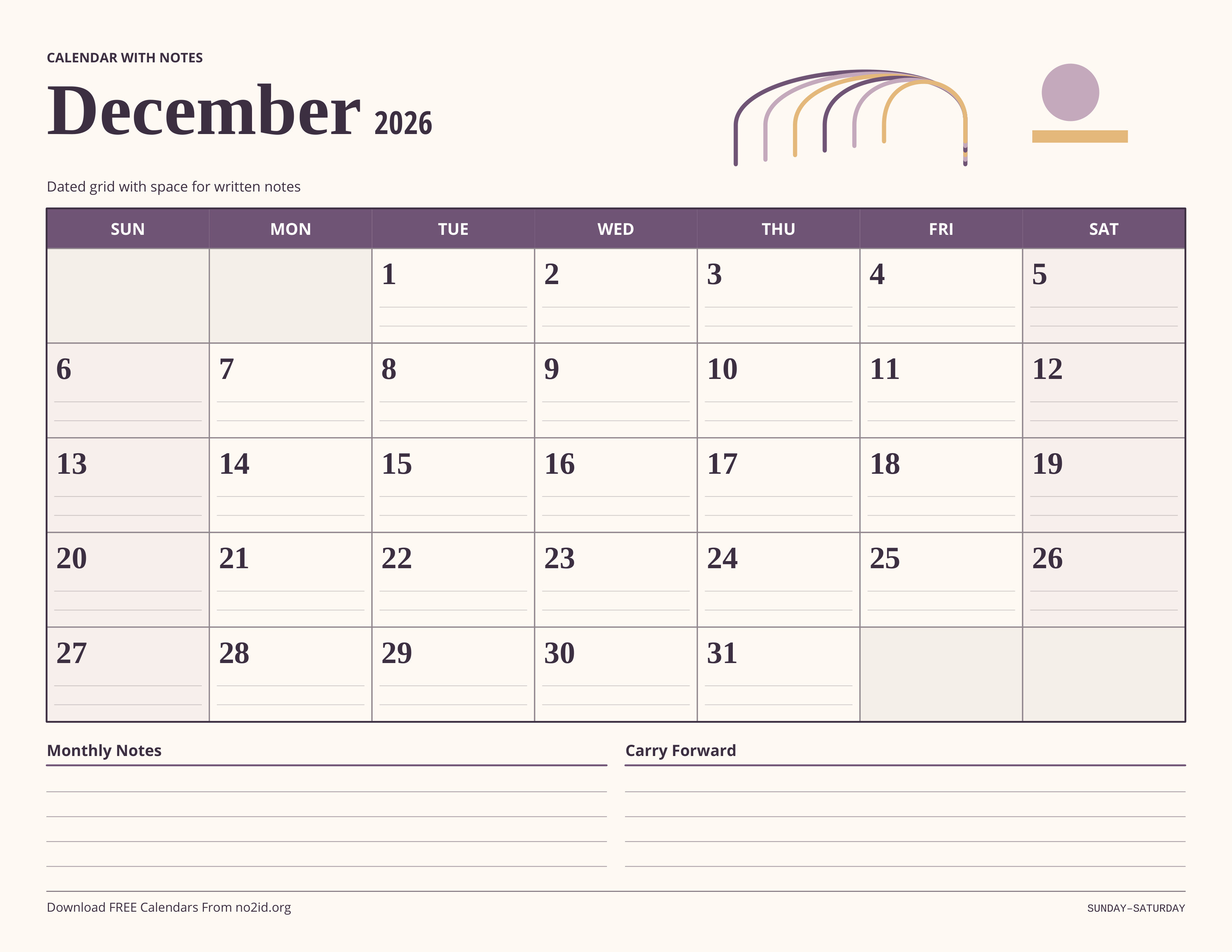
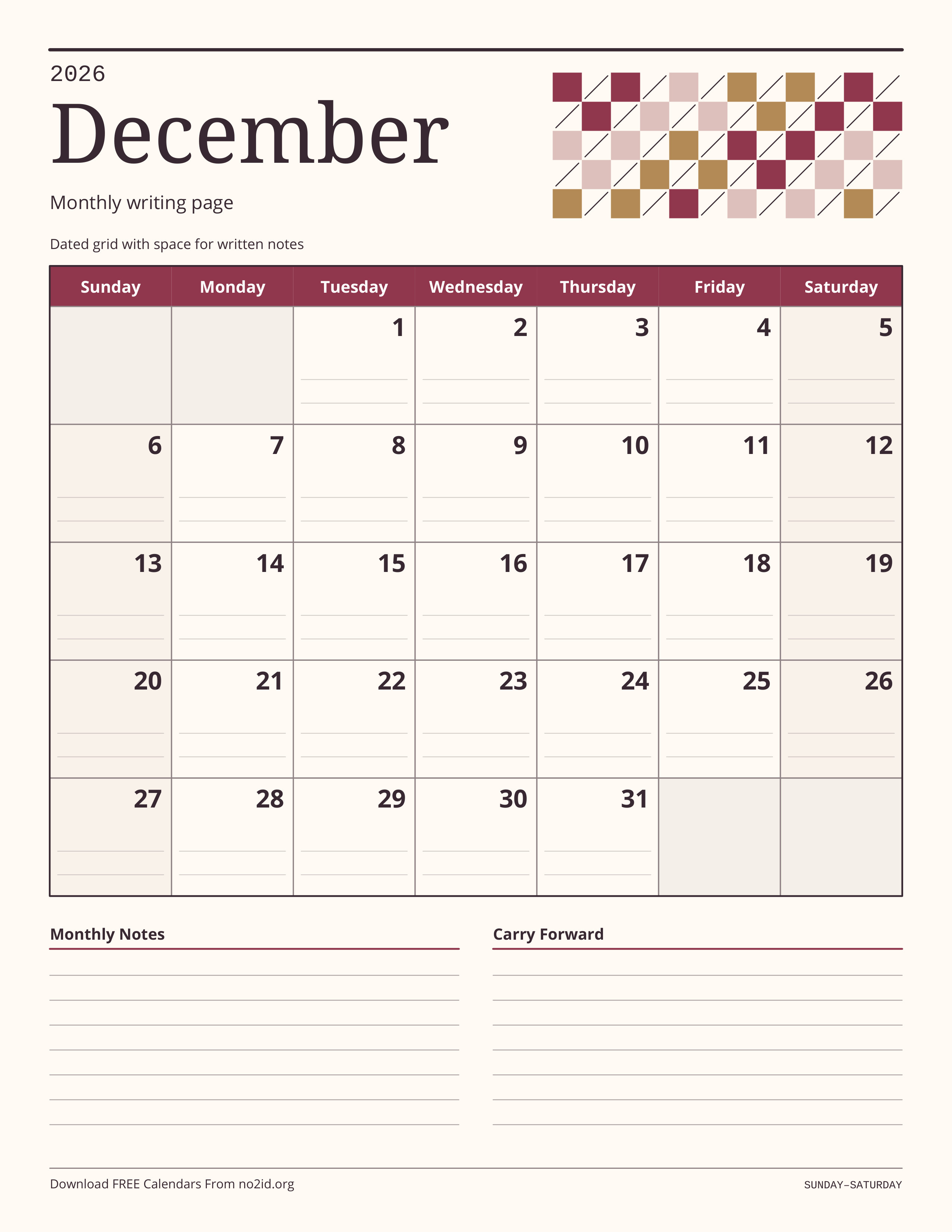
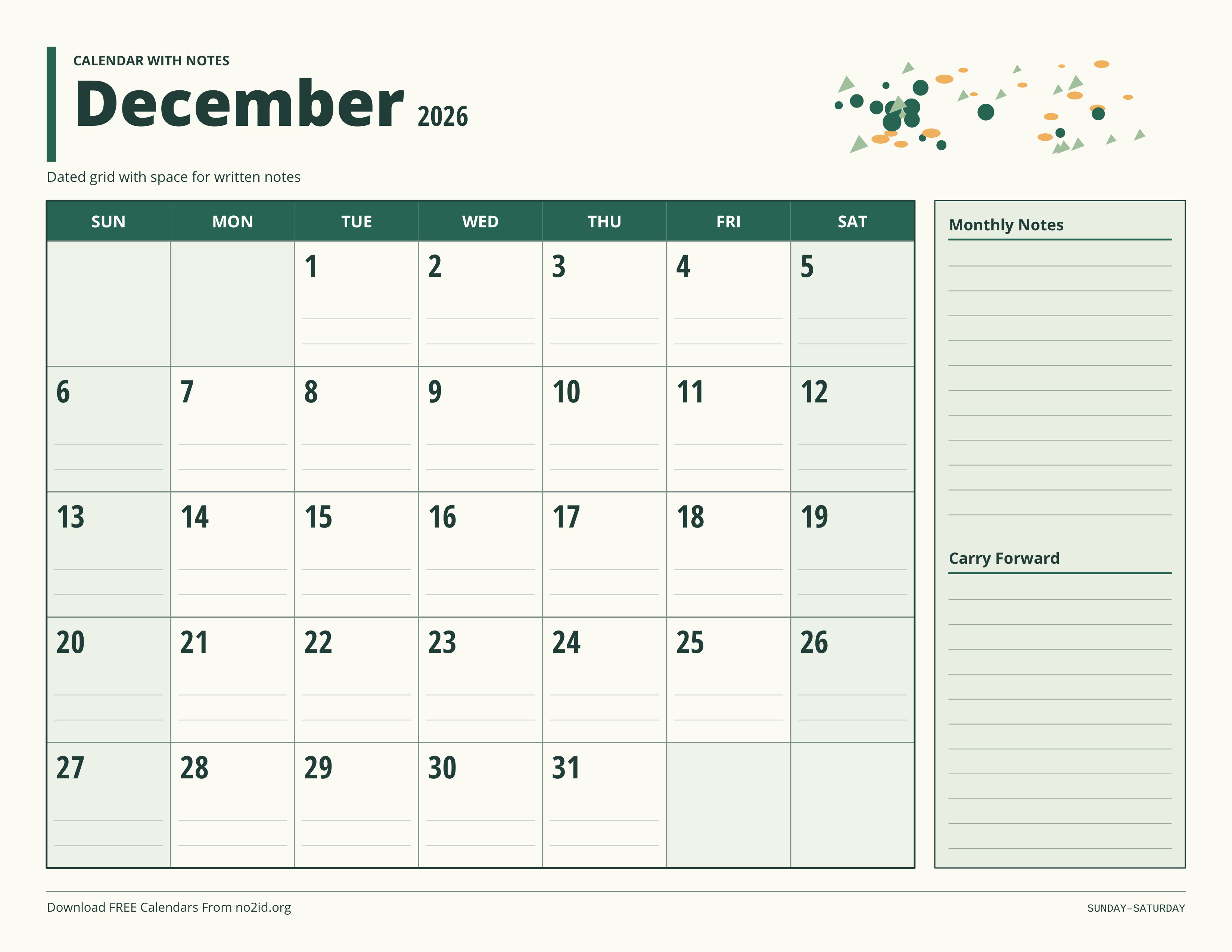
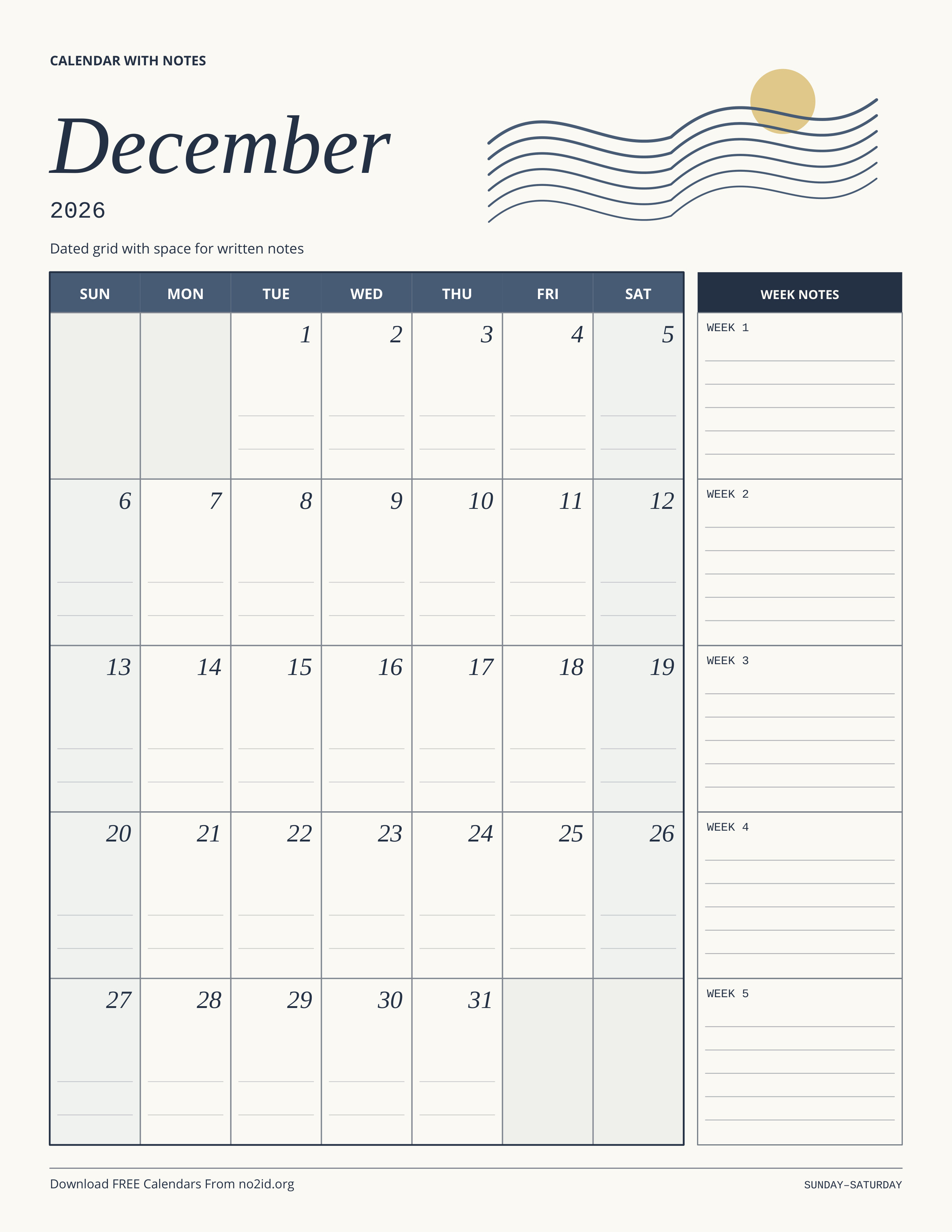
The Free Printable December 2026 Calendar With Notes layouts place writing space beside or below the date grid. A side area suits someone who reads a date and then scans across for its details. A lower area can feel more natural for longer phrases written across the page. Try a typical note in your own handwriting. Where your wrist rests and how large you write may matter more than the appearance of the empty sheet.
Connect Each Note to the Right Date
Suppose a neighbor is bringing cookies to a school gathering on Wednesday, December 16. In the date box, write the event and a small letter A. Begin a note with the same A and the words “ask Jordan about serving trays.” Later you can add Jordan’s answer on the same line. The group can still read the event name and time, and the question has a permanent home until you settle it.
| In the Date Box | In the Notes Area | When to Clear It |
|---|---|---|
| Dec 9, library meeting, A | A — bring room key and printed agenda | After the meeting |
| Dec 16, school gathering, B | B — confirm who has the serving trays | After you record the answer |
| Dec 29, guest arrival, C | C — ask which entrance to meet at | Once pickup is complete |
Use Verbs for Unfinished Business
A note that says “tickets” tells you the subject but leaves you guessing at the job. “Print two tickets for Wednesday” tells you exactly what to do. If the task belongs to someone else, write the person’s first name or initial at the beginning. When a detail is for reference only, give it a simple label such as “Room 204.” Readers can then distinguish information from work that still needs attention.
- Start an action with a verb such as call, return, bring, choose, or confirm.
- Put the deadline in a date box if missing it would change the plan.
- Leave private codes, passwords, and personal contact details off a calendar on display.
- Keep one line free for a correction so you can update a note without covering another entry.
Turn Loose Notes Into Scheduled Actions
Set aside a few minutes during the week to read the notes area by itself. Look for tasks that now have enough information to schedule. For example, “choose pickup time” may be waiting on a store to release its collection windows. Once you reserve Thursday, December 17, at five, write that appointment in the date box. Cross through the original question so it cannot be mistaken for another unfinished task.
- Read each open note and identify the next action it requires from you or someone else.
- Give a confirmed appointment a place in the grid, including the time and a brief description.
- Mark a completed note with a single check. Keep the words legible if you will need the answer later.
- Move a continuing task forward only after deciding which date or document should hold it next.
In a busy household, the notes panel can also hold the details behind a shared appointment. Two adults may both know about a child’s lesson but disagree about who is driving home. Put the start time on the date. Under the matching reference letter, write each driver’s name and which trip that person covers. A single line can settle a question the date box leaves open.
A notes area can also hold alternatives while a date is unsettled. Suppose visitors can come on either Saturday the 12th or Saturday the 19th. Write the two possibilities on one line and mark the decision deadline in the grid. Once they choose a weekend, enter only the confirmed visit on the calendar. If you pencil the visit into two date boxes too early, another reader may assume the household is hosting twice. For a group decision, include the name of the person who will notify everyone.
Review Your December 2026 Calendar Notes Before January
December ends on Thursday the 31st. A task entered near the bottom of the month might belong to January even if someone first mentioned it in December. Read every unchecked line before putting the sheet away. Transfer a promised call or return appointment to an actual January date. If a task is waiting for someone to answer, transfer the question and identify whom you are waiting for.
Keep completed notes only as long as they serve a purpose. A room number for a one-time meeting can disappear with the old sheet. A successful arrangement for a recurring volunteer event is worth copying into the organizer’s instructions. Reading the notes one last time lets you keep the information that will help next month while giving January a clean, uncluttered page.
The free printable December 2026 calendar gives you a separate reference copy. For a weekly workload, try the monthly schedule planner. To enter longer notes on a keyboard, choose the editable Word and Excel calendar.
2 thoughts on “December 2026 Calendar With Notes to Print”