Landscape December 2026 Calendar layouts make a weekly pattern easier to follow when the important information runs across the page. A reservation desk, for example, might need to compare the same afternoon slot on five successive days. Wide day boxes leave room for a time and a short name on the same line. Download a single image for one layout or use the PDF to choose a page at print time. Each PDF page carries a complete December calendar.
December 2026 Calendar Landscape: Printable PDF Templates
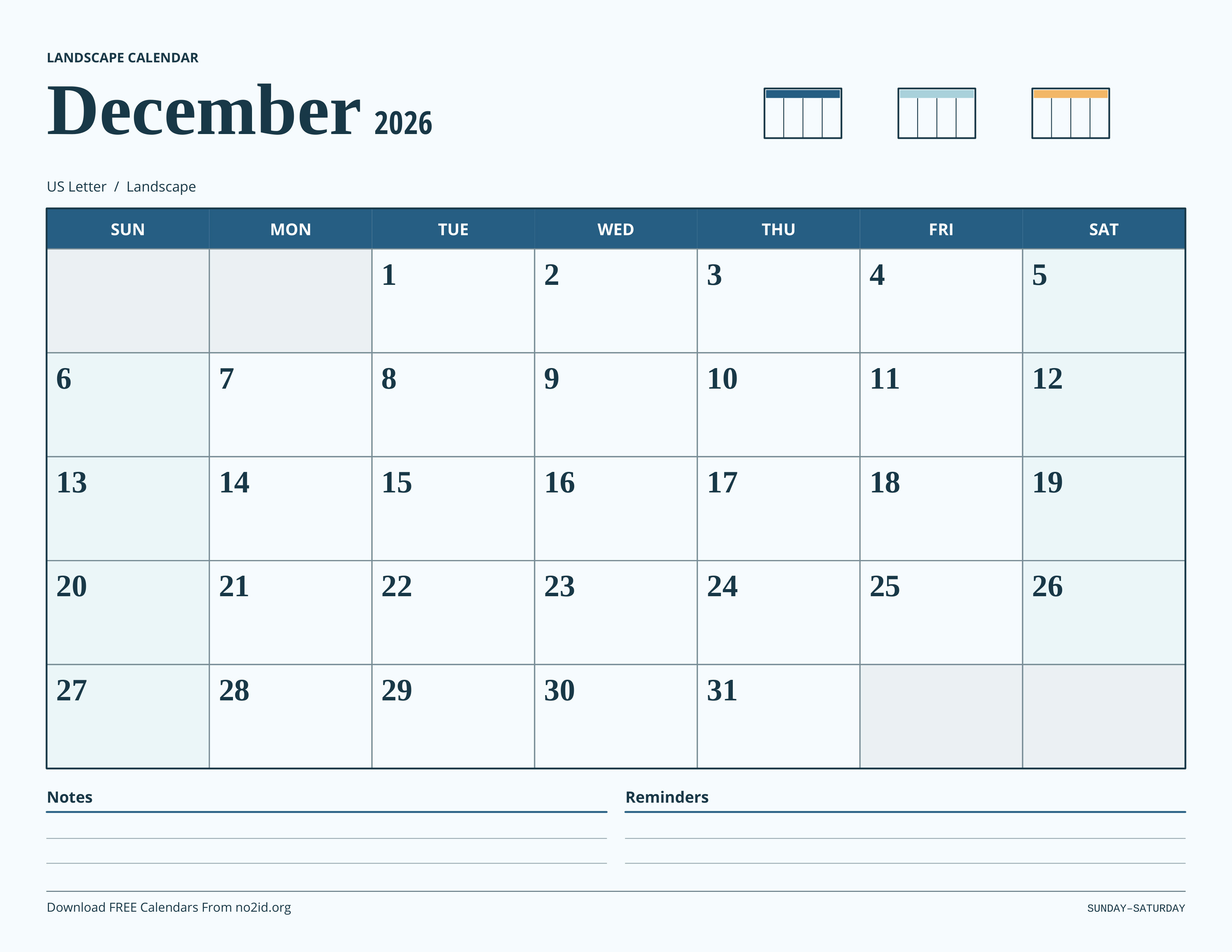
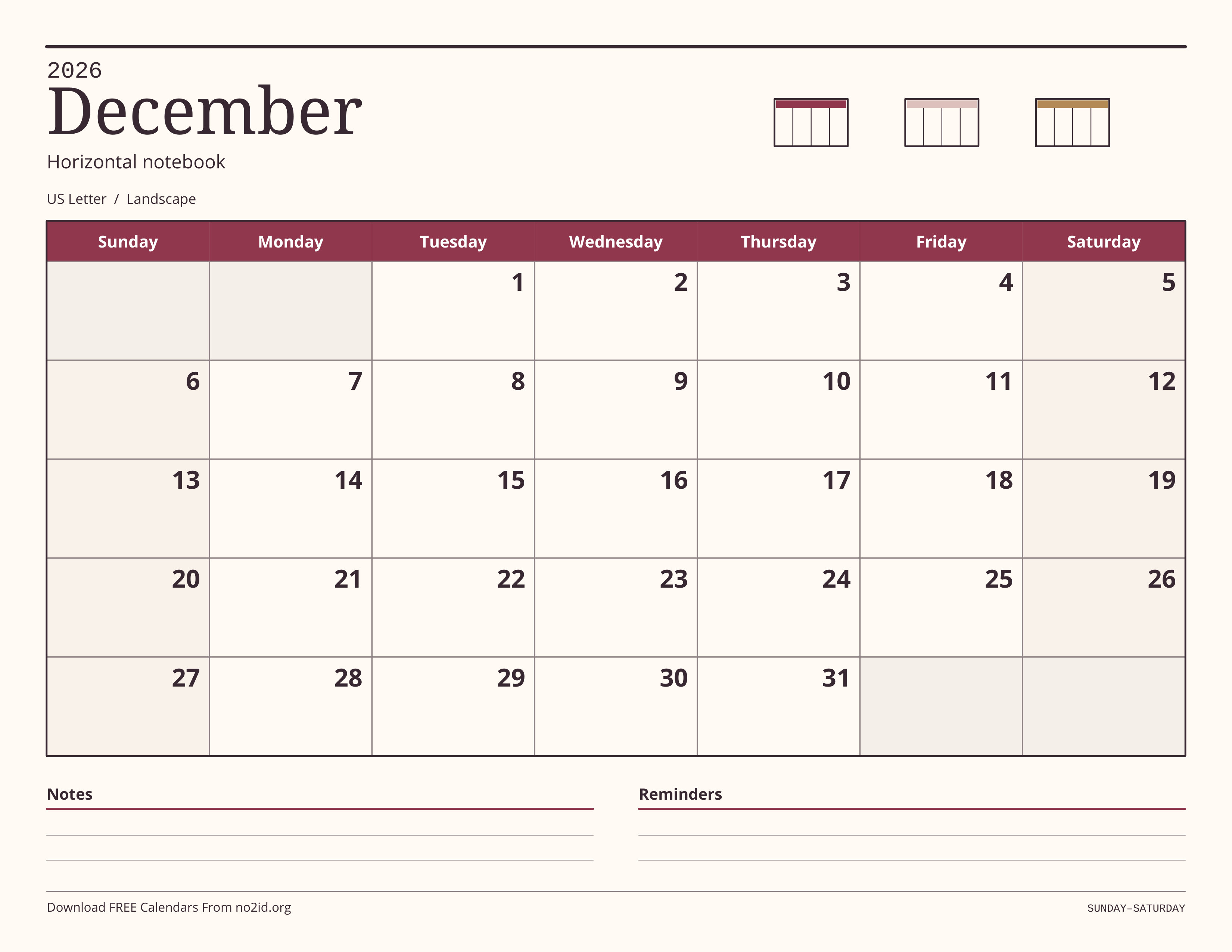
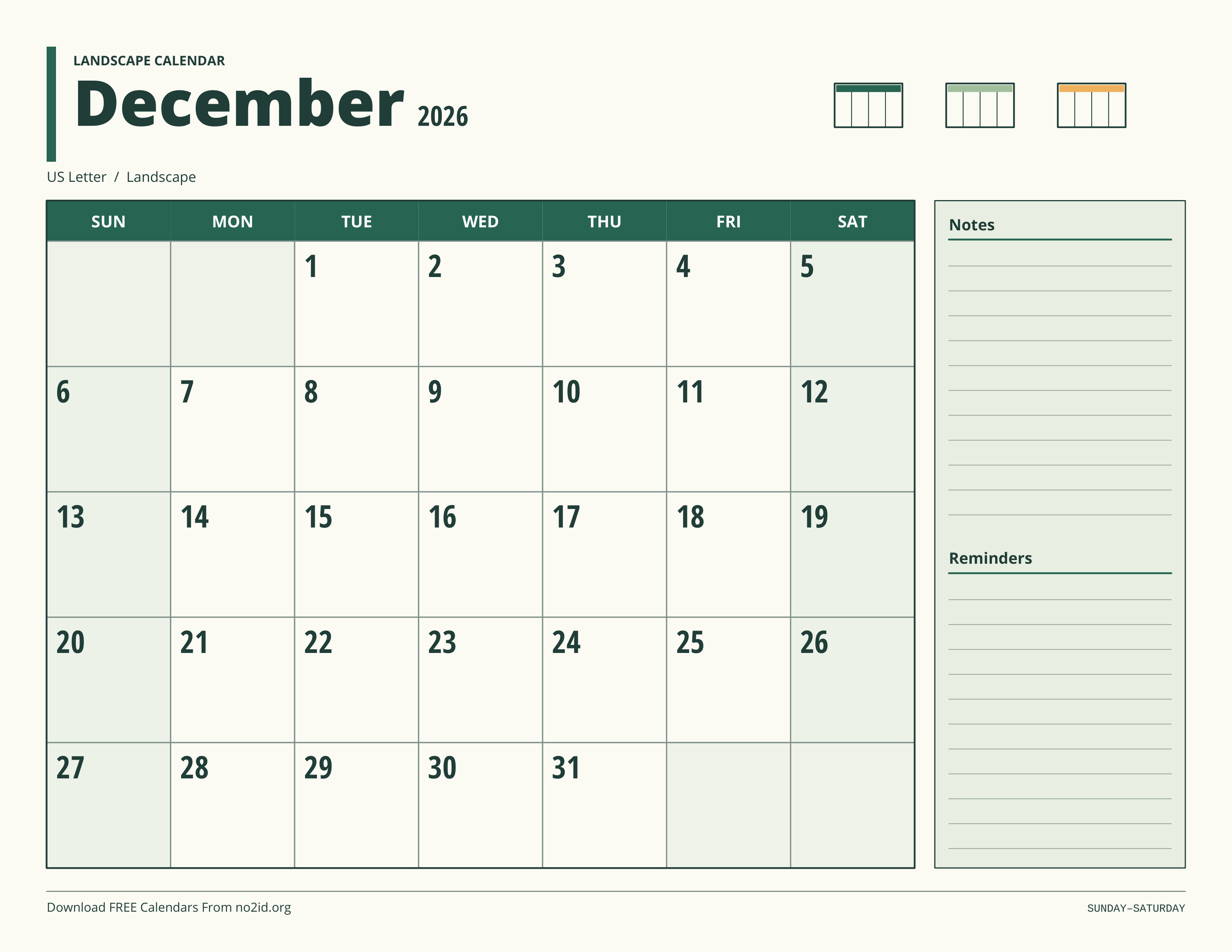
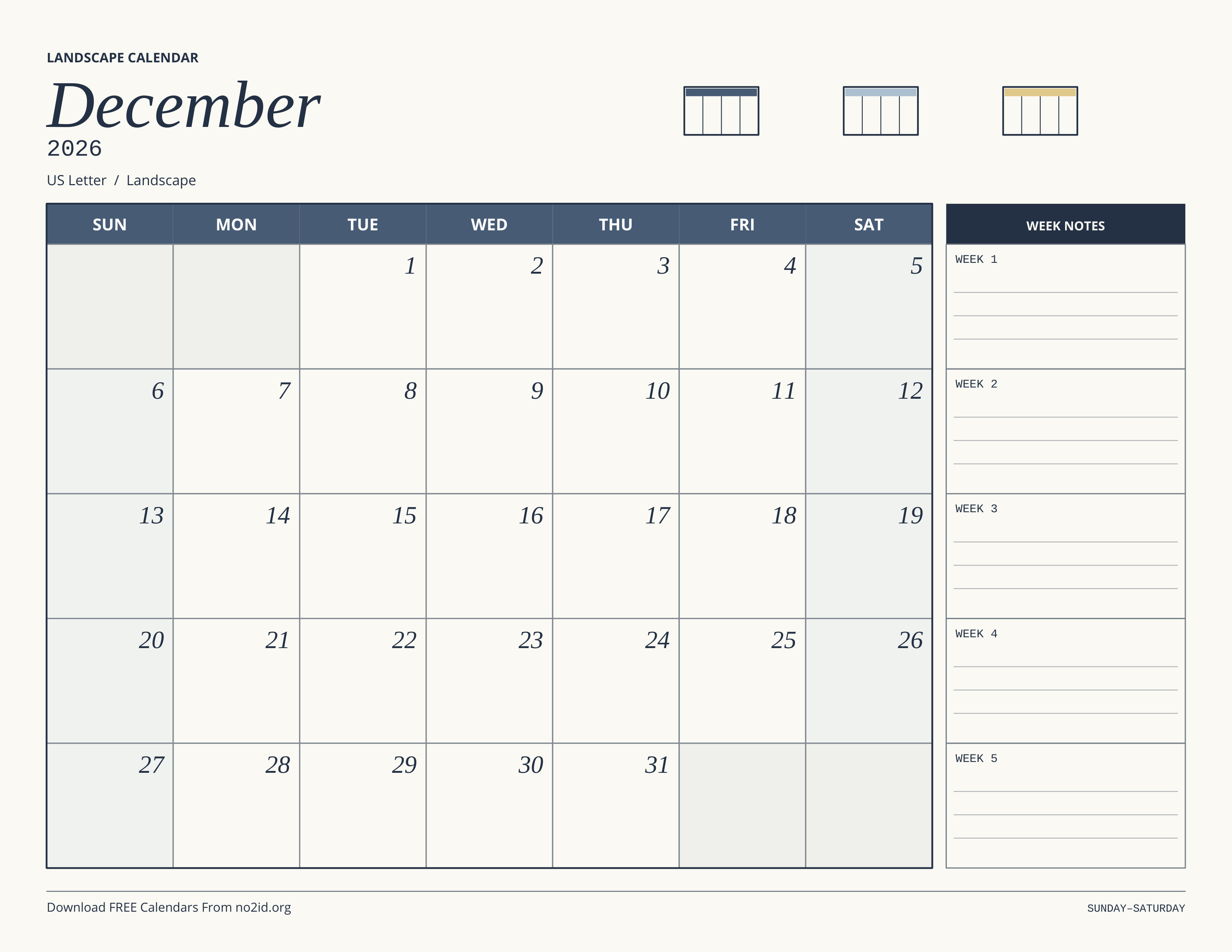
Download Landscape December 2026 Calendar – four-page print set (PDF)
Fit a Landscape December 2026 Calendar to Your Wall
Measure the clear width and height of the space before printing a sheet for permanent display. An 11-by-8½-inch page fits comfortably across a US Letter sheet turned sideways. A clip at the top or a shelf just below the page can reduce the useful height. Tape up a blank piece of paper in the intended position, then ask someone who actually uses the board to point to the lower-right corner. If that requires leaning around a cabinet, move the page now.
Imagine putting a landscape December 2026 calendar on a studio door. The person reading it wants to see whether there is an opening before entering the room. Place booked times in a consistent position within each day. “2–4 PM / clay” is quicker to compare across a row than handwriting that wanders around each square. Use a separate place for names or contact details if the calendar faces a public hall. The schedule can show whether a room is available without identifying every participant.
Print One Landscape December 2026 Calendar From the PDF
- Save the PDF using the download link and open it in a PDF reader. Use the thumbnail strip to locate the layout you want.
- Write down the page number shown by the reader. In the print dialog, enter that single number in the page range field. For two copies of that layout, change the copies field instead.
- Select your loaded paper size and check the preview. The long edges of the paper and the calendar should run in the same direction.
- Start with the option that fits the whole page inside the printable area. Check that the left- and right-hand date columns both appear before printing.
The setting for several pages per sheet is convenient for a quick visual comparison but can shrink the handwriting area dramatically. Check this setting if even a large page suddenly looks like a postcard. Also look for two-sided printing when you are making multiple layouts for separate noticeboards. A calendar printed on the reverse of another can leave you with two locations to cover and one physical piece of paper.
| Print preview symptom | What to inspect | Desired result |
|---|---|---|
| Wide blank band on top and bottom | Paper orientation and rotation | Long edges run together |
| Several calendars in miniature | Pages per sheet | One full calendar on the selected sheet |
| Rightmost dates disappear | Fill or crop option | Whole outside border visible |
| Unwanted designs in the queue | Page range | Only the selected page numbers listed |
Write Short Bookings on a Landscape December 2026 Calendar
Try a dry run using the dates December 7 through 11, a Monday-to-Friday stretch. Imagine three room users who book different afternoon sessions. Enter the time range nearest the top of each relevant square and the activity directly underneath. Now read the week from left to right to find the earliest opening. If you have to turn your head sideways to read an entry, shorten a repeated activity name or move its explanation to a separate sign.
- Give activities distinct short names. “Open studio” and “youth studio” are easier to distinguish than two entries called simply “studio.”
- Pick either a dash or the word “to” for time ranges and use it consistently.
- Write an end time for every booking when the next person needs to know when a space becomes free.
- If a booking moves, cross out only the old text and enter the new time in its own day box.
Plan Across the Last Row
The final Thursday on your landscape December 2026 calendar is December 31. A reservation starting that evening might continue into Friday, January 1. Write the December start and add a short “ends Jan 1” note. Carry the finish to the January schedule as well, particularly if responsibility transfers to a different person. The empty positions after Thursday on a December-only grid are easy to mistake for extra space belonging to the same month.
For a recurring lesson, decide how cancellations will appear before the first one happens. Erasing the entry completely can make a regular visitor assume the scheduler forgot to write it in. Leaving the activity and adding “canceled” gives a definite answer. If you use a small sticky flag for changes, place it inside the square and test that it stays attached when the door swings shut.
Save a Readable Record of the Month
At the end of December, remove the sheet from the wall before photographing or scanning it. Set it flat and align the long edges with the camera frame. Look for the two outside columns in the resulting image. A photograph taken at an angle can make the calendar seem complete while hiding a note behind a clip. Add the month, year, and room name to the saved file so the next coordinator can find a specific schedule without opening a dozen nearly identical pictures.
If several schedules share one board, write the room name just above each calendar as well. A landscape sheet is wide enough to overlap a neighboring notice when the corner lifts, and two rooms may book the same kind of activity. Standing a few feet away to read both labels is a quick way to catch a mix-up before visitors start following the wrong set of times.
The free printable December 2026 calendar is also available as a multipage PDF. Compare the portrait calendar if the wall space is narrow, or choose the calendar with notes for a separate writing area.