December 2026 Calendar With a Black Background puts the light numbers and rules in the foreground. It works well beside a dark desktop, on a display shelf with a black frame, or in a digital notice that already has a dark field. The downloadable PNGs have an opaque background. Place one on a colored page and the black rectangle remains part of the design. That detail matters if you want the calendar to resemble a small poster mounted on another surface.
December 2026 Calendar Black Background Designs: Free PNG
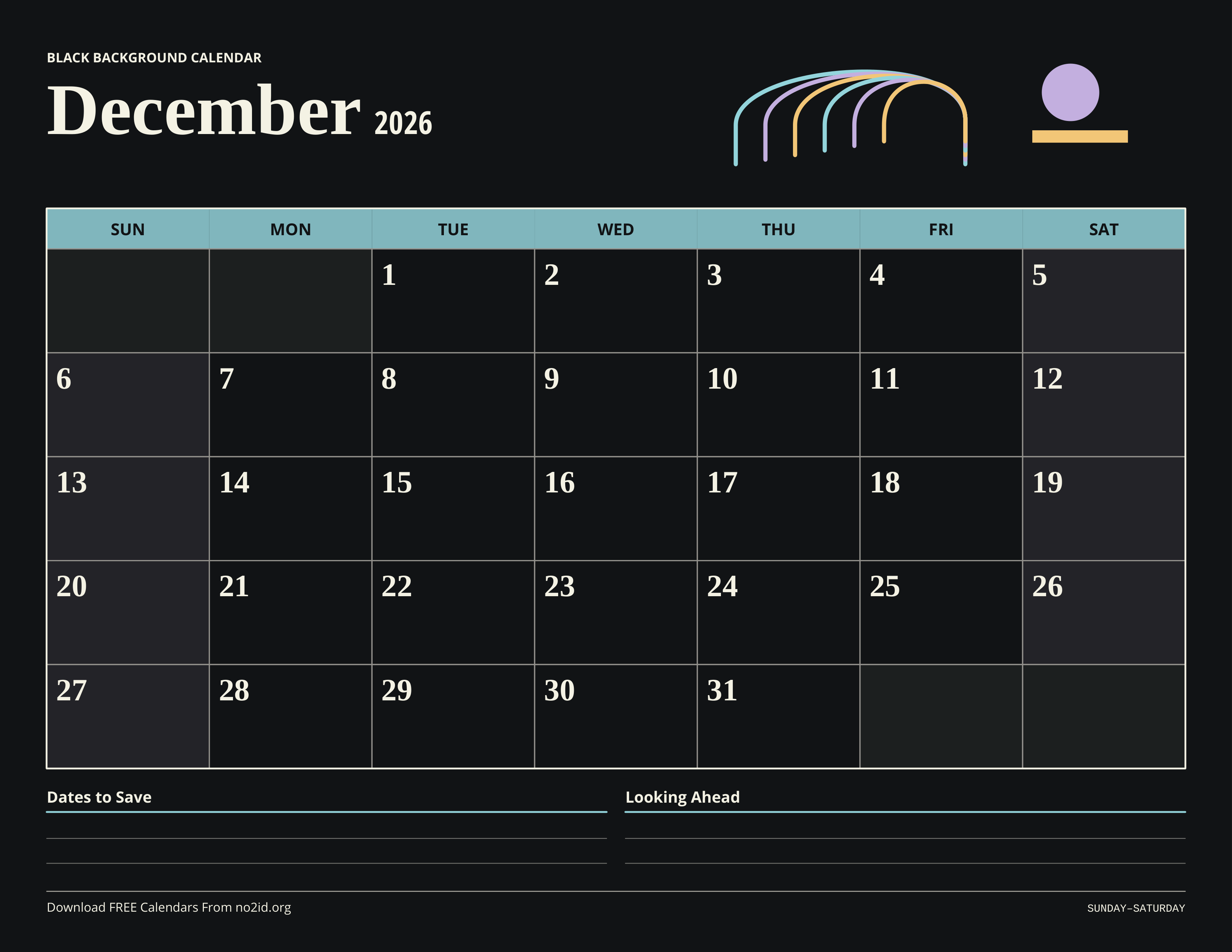
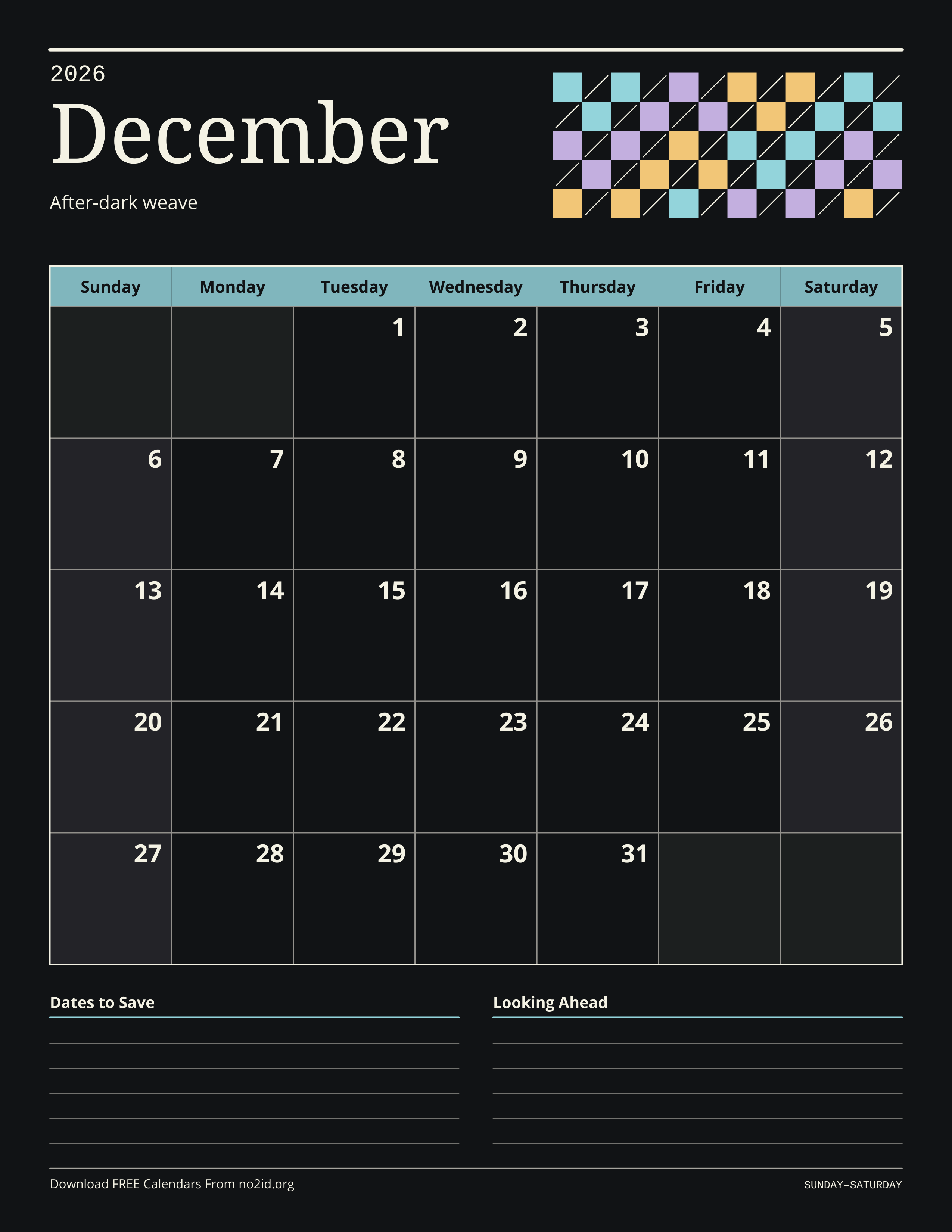
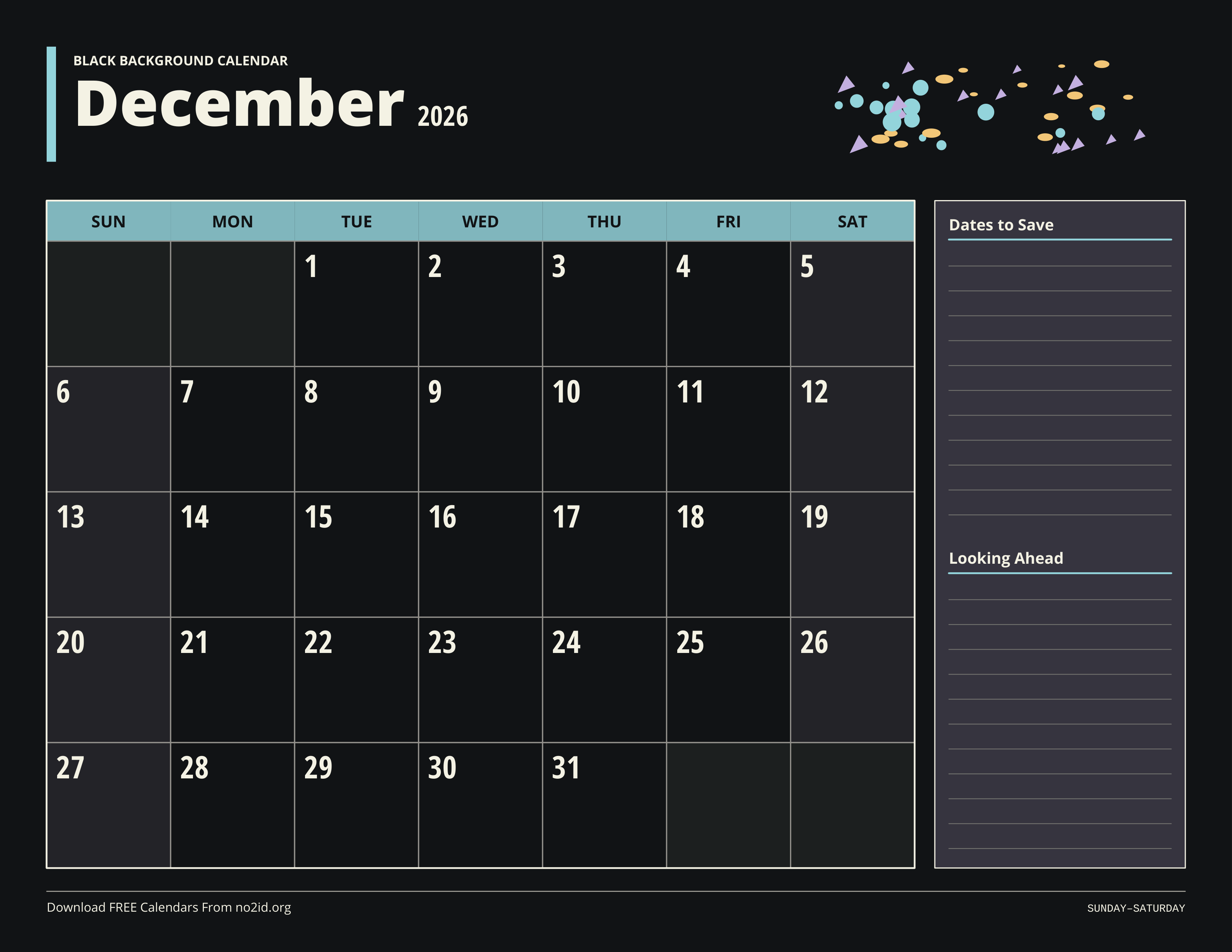
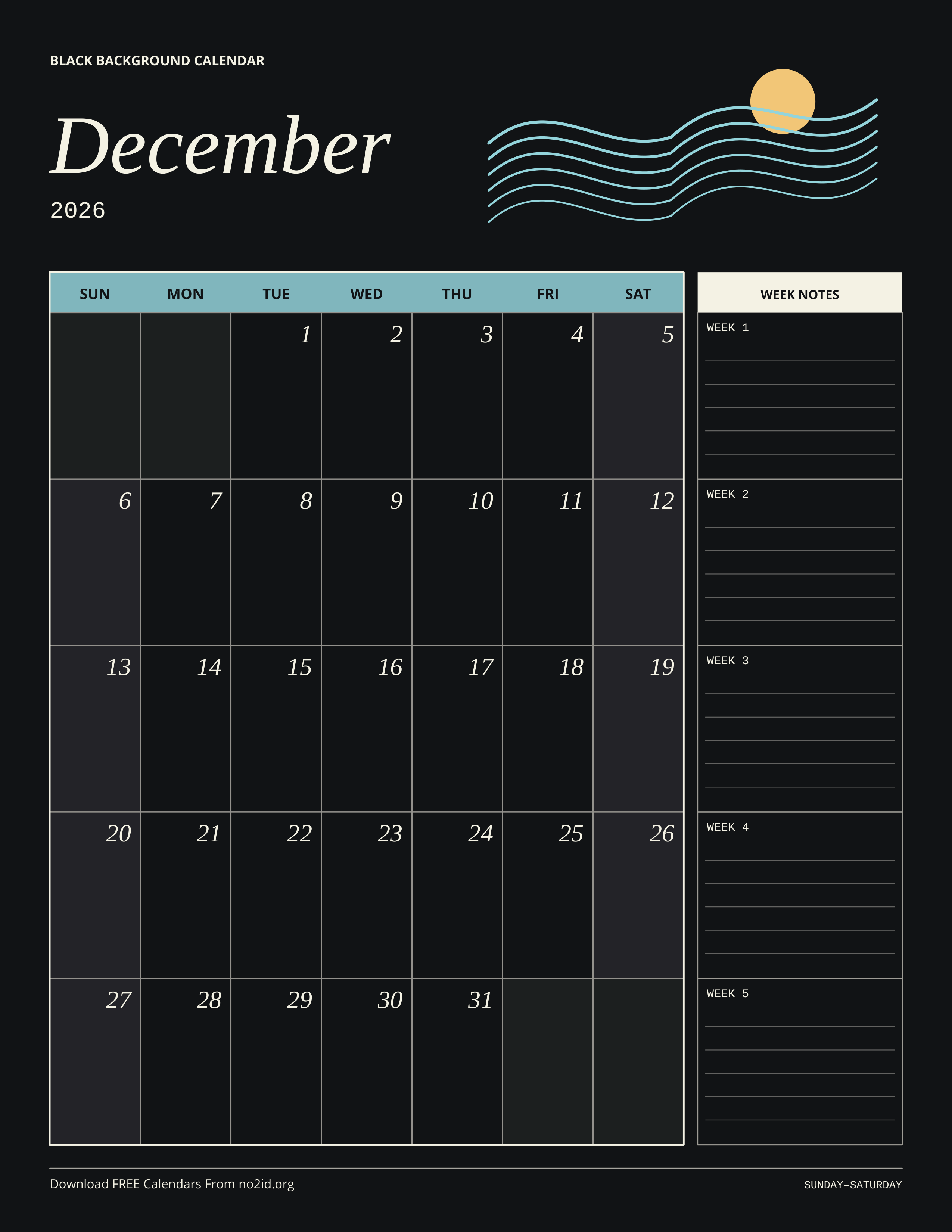
Read a December 2026 Calendar With a Black Background on Screen
Screen viewing and print viewing can give the same light lettering a different character. A screen supplies its own light. Paper depends on the lamp, window, or overhead fixture in the space where you put it. Open the original image at a practical viewing size and locate the 8th, 18th, and 28th. Comparing similar-looking numbers is a good way to catch letters or rules that start to blur together from your intended distance.
Look closely at the space surrounding each numeral as well as the numeral itself. If the whole image has been squeezed into a narrow frame, a light stroke can appear thicker or thinner than intended. Resize with the proportions locked, and avoid moving the corners independently in a drawing program. When placing the calendar in a slide, try a substantial open area beside it first. A dark rectangle can feel crowded surprisingly quickly when it touches text on all sides.
Use the PNG in a Digital Notice
- Save the original PNG, then insert it as a picture into the slide or document. Placing the file directly preserves the calendar artwork you downloaded.
- Set the outer dimensions by changing one edge with the aspect ratio locked. Include the entire month and all columns in the picture frame.
- Add a short event caption outside the picture. If a reader needs a date to take action, repeat the exact date in the caption.
- Export or present the finished notice and read it at the size your audience will actually see. Always check a phone-sized version of an emailed announcement.
A December 2026 calendar with a black background can anchor a community concert announcement. For an event on Friday, December 11, put the performance time, venue, and date in ordinary text beside the calendar. Draw attention to the grid only if it contributes something, such as a rehearsal one week earlier on Friday the 4th. This also gives people who hear the notice read aloud the same essential information as someone studying its visual arrangement.
| Placement | What the background does | Practical check |
|---|---|---|
| Dark presentation slide | Continues the dark area around the image | Compare the two blacks on the presentation screen |
| Colored handout | Forms a distinct rectangular panel | Leave equal space around the panel |
| White printer paper | Requires ink or toner for the dark field | Make one proof before a longer run |
| Black craft paper | Light numbers may disappear on ordinary printers | Mount a print made on white stock |
Print a December 2026 Calendar With a Black Background
Most ordinary home printers create white areas by leaving the paper bare. Feeding black construction paper through such a printer will therefore give a disappointing result if you expect white ink for the dates. Start with white stock suitable for your printer. If you want a dark mount, print the calendar on the white sheet, trim only the unused outside margins, and attach it to a larger dark backing. Keep enough room to retain the full design.
Many printers leave a narrow unprinted edge. A white margin on every side can make a black print look intentional, especially in a simple frame. If you do use a borderless setting, inspect the preview carefully. Some drivers enlarge an image slightly to eliminate the margin, which can bring a letter or rule closer to the edge than expected. The outside watermark should remain visible alongside the complete grid.
Proof a Dark Surface Before Making Copies
- Allow the print to dry according to the paper and ink instructions before placing it against glass or another sheet.
- Under a desk lamp, tilt the page slightly to see whether reflected light makes a row difficult to read.
- Inspect a solid part of the background for pale bands. A device maintenance check may help when the same stripe repeats across unrelated images.
- Try writing a sample note on a spare print if you plan to annotate it. Pencil or dark ballpoint marks may disappear against the field.
Give Changes a Separate Place
For frequent updates, mount a small white card beside your December 2026 calendar with a black background and write updates there. In a club meeting room, the month can stay on display while a card reading “Workshop moves to December 19” gets replaced as plans evolve. If you make a digital version, keep the extra text in its own editable layer. You can correct the announcement without repeatedly opening and saving the calendar artwork.
A wall display and an emailed image often serve different readers. The wall version can carry fewer words because the audience knows the room. An email may need a written location and contact name. Keep one clean calendar file, and save each complete announcement under a descriptive name that identifies its audience. When the final Thursday of December arrives, you can archive the notice together with the event details it accompanied.
For a group display, ask someone unfamiliar with the room to find the date of the next gathering. Stand where visitors first enter and watch which part of the notice they read. If they spot the bright date numbers but miss the event card, move the card nearer the month heading. Changing the arrangement usually costs less than printing a second full sheet of dark artwork.
Keep a light paper copy from the free printable December 2026 calendar. To fit a phone lock screen, compare the desktop and mobile wallpaper, or choose from the PNG and JPG calendar images for a document or presentation.